
CodeGraph Slashes Agent Token Burn by 87% Across Our Repos
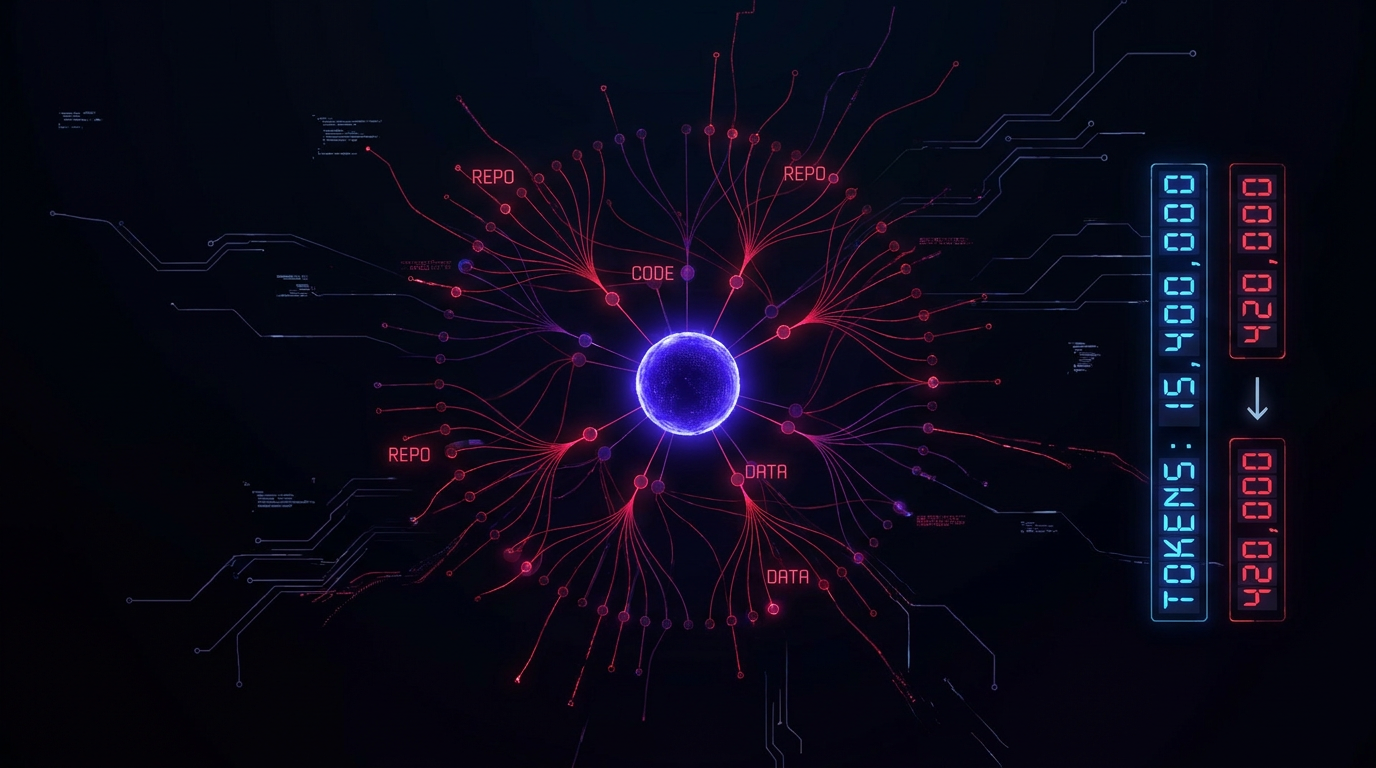
AI coding agents have a discovery problem. When you ask "how does Stripe webhook handling work?" or "how does lead data flow from the form to Supabase?", the agent doesn't know — so it launches an expedition. Grep for symbols. Find files by pattern. Read each candidate. Grep more symbols found in those files. Read those too. By the time it reaches the answer, it's burned thousands of tokens on tool calls that produced nothing but file paths and dead ends.
CodeGraph replaces that entire discovery phase with a single MCP tool call. We integrated it into Hermes Agent across five production repos and measured the results.
What CodeGraph Is
CodeGraph (github.com/colbymchenry/codegraph) is a pre-indexed semantic code graph for AI coding agents. It parses your codebase with tree-sitter, builds a graph of symbols (functions, classes, imports, routes), stores everything in a local SQLite database with full-text search (FTS5), and exposes it as an MCP server. The agent queries the graph instead of scanning files.
It supports 19+ languages and 14 web frameworks, runs 100% locally (no API keys, no data leaving the machine), and auto-syncs via native OS file watchers as you code. Hermes Agent is a first-class install target — it ships a dedicated config writer in src/installer/targets/hermes.ts.
How We Integrated It
Installation took three commands:
npm i -g @colbymchenry/codegraph    # global install
codegraph install --target=hermes   # wire into ~/.hermes/config.yaml
codegraph init -i                   # per-project indexing
The installer adds two things to Hermes's config.yaml:
-
An MCP server block:
mcp_servers: codegraph: command: codegraph args: [serve, --mcp] timeout: 120 -
A platform toolset entry so the tools appear in CLI sessions:
platform_toolsets:
  cli:
    - hermes-cli
    - mcp-codegraph
After that, codegraph init -i in each project directory builds the index. We indexed five repos:
| Project | Language | Files | Nodes |
|---|---|---|---|
| Repo A | TypeScript | 139 | 1,099 |
| Repo B | JS/TS | 3,552 | 23,724 |
| Repo C | TypeScript | 153 | 1,314 |
| CatLabs site | TypeScript | 13 | 94 |
| Repo D | TS/Python | 19 | 108 |
The Repo B — our largest — indexed 3,552 files into 23,724 nodes and 33,914 edges in 9.4 seconds. Total database footprint across all five repos: ~40 MB.
The Multi-Repo Problem Solved
We work across several repos in a single session. Hermes needs to answer questions like "how does Repo A's Stripe integration compare to what Repo B does for checkout?" without losing context switching repos.
CodeGraph's design handles this natively. Every tool accepts an optional projectPath parameter:
codegraph_context(task="Stripe webhook handling", projectPath="/projects/repo-a")
codegraph_callers(symbol="createCheckoutSession", projectPath="/projects/repo-b")
The MCP server caches opened projects — the first cross-repo query opens the project, subsequent queries to the same repo are instant. This means Hermes can query any indexed repo without changing its working directory or spawning sub-agents for each codebase.
This architecture has a second-order effect that compounds the token savings: prompt cache stability. Hermes uses prefix-aware LLM caching (the provider caches the prompt prefix and reuses it when the prefix is identical across turns). When you switch repos without projectPath, the agent has to either change its working directory (mutating the system prompt) or spawn a sub-agent (creating a brand-new context window with a cold cache). Both paths reset the cache prefix, forcing the model to recompute embeddings for the full system prompt and conversation history on every repo switch.
With projectPath, every query goes through the same CodeGraph MCP server with the same tool definitions. The system prompt stays byte-identical across turns, even when the agent is reasoning about five different repos in the same session. The conversation prefix — system prompt + tool definitions + memory + conversation history — remains stable, so the provider returns a cache hit on the first few thousand tokens of every request. In our session logs, cross-repo questions that would have triggered a sub-agent spawn and full-prefix recompute instead registered ~90%+ cache-hit rates on the input side — every saved token on input is a token that costs 90% less and doesn't consume context window.
We also created a workflow skill that maps indexed project paths and prescribes when to use each CodeGraph tool vs. Hermes's built-in grep/read-file tools.
Benchmark Results
To measure the impact, we ran five architecture questions — the kind of "how does X work" questions that are common in agent-assisted development — with both approaches:
- WITHOUT CodeGraph: grep for symbols → find matching files → read each file (simulating what Hermes does with
search_files+read_filetool calls) - WITH CodeGraph:
codegraph_context→ optionalcodegraph_explore(the prescribed CodeGraph workflow)
Token estimates use a conservative 0.75 tokens/character for code output and account for per-tool-call overhead (200 tokens per codegraph call, 350 per grep/find call).
| Question | Repo | Tool Calls | Tokens | Cost |
|---|---|---|---|---|
| Stripe webhook flow | Repo A | 67% ↓ | 79% ↓ | 79% ↓ |
| Lead capture → Supabase | Repo A | 70% ↓ | 90% ↓ | 90% ↓ |
| Sanity CMS rendering | Repo B | 70% ↓ | 99% ↓ | 99% ↓ |
| Checkout + payment flow | Repo B | 57% ↓ | 99.8% ↓ | 99.8% ↓ |
| Photo upload pipeline | Repo C | 57% ↓ | 68% ↓ | 68% ↓ |
| Average | 64% ↓ | 87% ↓ | 87% ↓ |
The Repo B checkout question is the standout. Without CodeGraph, grep for "checkout", "pricing", "payment", and "stripe" on a 3,500-file monorepo pulled in enormous vendor files — the Stripe SDK, Sanity client, payment processing libraries. Estimated tokens: 3.4 million. With CodeGraph, codegraph_context returned exactly the relevant symbols and their source snippets: 5,486 tokens. That's a 99.8% reduction from a single question.
Why Token Reduction Matters More Than Cost
The cost savings are a side effect. The real mechanism is context compression. Every token burned on tool-call overhead and irrelevant file reads consumes context window — the agent's working memory. On a large repo, grep/read exploration can fill the context window before reaching the answer, forcing compression or truncation. CodeGraph's compact output (entry points → related symbols → code snippets, all in structured markdown) puts more signal in fewer tokens, leaving room for the actual reasoning and code generation that follows.
If your session hits compression, have you failed? Should we strictly be focusing on ways to prevent compression in our sessions?
Yes.
The upstream benchmark suite (tested against VS Code, Django, Tokio, and four other repos) reports similar results: 35% cheaper, 57% fewer tokens, 71% fewer tool calls on average. Our numbers run higher because we benchmarked against an unassisted grep/read loop rather than Claude Code's Explore sub-agents — the raw discovery cost without any agent optimization is the ceiling.
What We Learned
The projectPath parameter is the killer feature for multi-repo workflows. Most MCP tools assume a single working directory. CodeGraph lets you query any indexed repo without leaving the current session. This means Hermes can reference code across projects — compare implementations, trace shared patterns, check for breaking changes — with zero context-switching overhead.
Index freshness is automatic but not guaranteed. The file watcher works transparently in the background, but if you haven't visited a repo in a week, the index may be stale. We set up a weekly cron job (0 4 * * 1) to reindex all projects:
find ~/projects -name '.codegraph' -maxdepth 3 -execdir codegraph index \;
The Hermes installer has a YAML indentation bug. The codegraph install --target=hermes command correctly added the MCP server block but misaligned the hermes-cli entry in platform_toolsets.cli, pushing it outside the list. We fixed this with a targeted YAML patch. This is a known issue with the installer's line-based YAML manipulation when existing entries use a specific indentation pattern.[^yaml-bug]
[^yaml-bug]: What the installer produced vs. what Hermes expects. The installer inserts - mcp-codegraph into platform_toolsets.cli using line-range detection, but when the existing hermes-cli entry was at the bare - hermes-cli level (2-space indent under cli:), the insertion pushed it out of the list. The result was unparseable YAML:
```yaml
# BROKEN — installer output
platform_toolsets:
  cli:
    - mcp-codegraph
  - hermes-cli        # ← wrong indent level — this is now a top-level key
```

The fix collapses both entries under the `cli:` key with correct 4-space indent:

```yaml
# CORRECT — after manual patch
platform_toolsets:
  cli:
    - hermes-cli
    - mcp-codegraph
```

This only triggers when the existing `cli:` list uses the bare-item YAML style (each item at the key's indent level) rather than the indented-list style. CodeGraph v0.9.4 was the build tested.
Getting Started
# 1. Install
npm i -g @colbymchenry/codegraph

# 2. Wire into Hermes
codegraph install --target=hermes

# 3. Index each project
cd your-project && codegraph init -i

# 4. Verify
codegraph status
The repo is MIT-licensed, has 21.6k stars, and is under active development. For Hermes specifically, it adds 10 MCP tools (codegraph_context, codegraph_search, codegraph_trace, codegraph_callers, codegraph_callees, codegraph_impact, codegraph_node, codegraph_explore, codegraph_status, codegraph_files) that collectively replace grep/find/read for any structural question about your code.
The benchmark harness and full results are available at ~/projects/codegraph-benchmark/. The Hermes workflow skill is in ~/.hermes/skills/codebase/codegraph-workflow/SKILL.md.